Bar Type LCD Displays: The Complete Selection Guide
Bar displays—wide, short LCDs with aspect ratios like 3:1 or wider—exist because product design often is: a narrow strip of information in a housing that was never shaped like a TV. Route signs on…
Part of the Bar-Type & Stretched Displays guide — 15 articles on aspect ratios, interfaces and multi-bar networks.
What Is a Bar-Type Display?
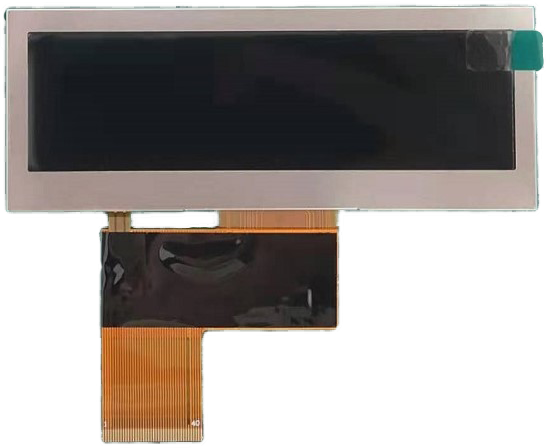
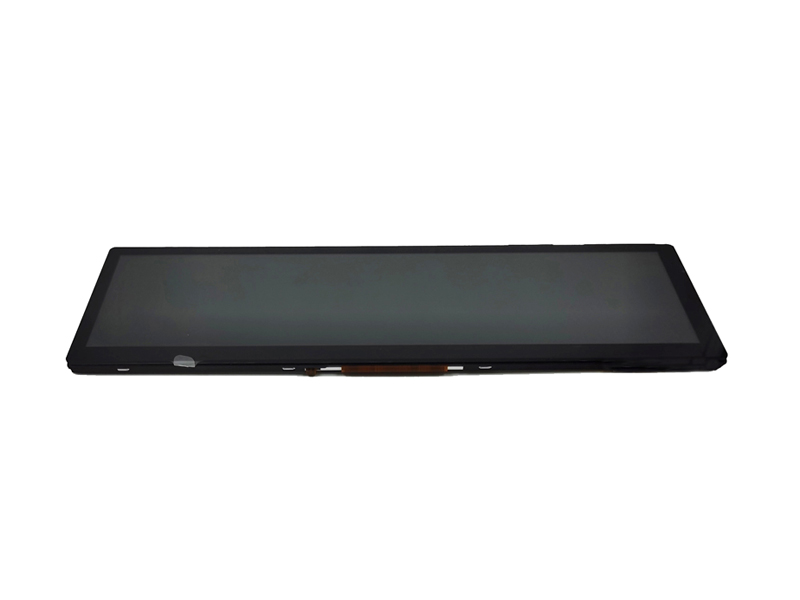
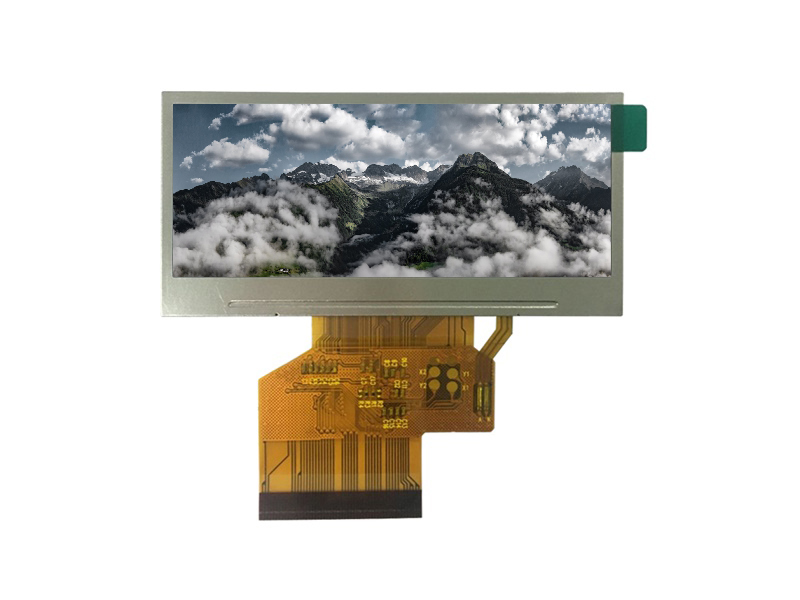
A bar display is an LCD whose active area is much wider than it is tall. Common formats include small bars like 2.9″ 320×120, mid-size bars in 480×128 or similar classes, and large cockpit bars such as 12.3″ 1920×720. What unifies them is the use case: a single line or a few lines of information presented in a wide, space-efficient panel. The bar format is chosen when the product’s front face is wide and short, and when a conventional 16:9 screen would waste most of its area.
Two construction paths exist for bar formats. The first is a native bar panel, designed and manufactured in the wide format from the start—clean edges, no cutting risk, and full design freedom in the cell. The second is a cut (2nd-cutting) panel, where a standard rectangular panel is cut to a custom size. Native bars offer better quality and reliability; cut panels offer flexibility to reach sizes no native bar covers. The native-versus-cut trade-off is a decision that belongs early in selection, because it changes cost, MOQ, and the mechanical design around the edges.
Bar Display Applications: Transit, Charging, and Signage
Bar formats cluster in applications where a thin information strip is the product:
| Application | What the display shows | Environment |
|---|---|---|
| Transit route and information signs | Route numbers, next-stop text, alerts | Vehicle or station, sun exposure, vibration |
| EV charging stations | Status, charge state, instructions | Outdoor, weather, wide temperature |
| Signage and tickers | Scrolling messages, branding, schedules | Indoor to outdoor, ambient light varies |
| Instrument and cockpit bars | Gauges, alerts, media | Vehicle cabin, sunlight and night driving |
Each application sets different optical, environmental, and content requirements; the selection framework starts by placing the product in its application class, because that determines which specification matters most.
Key Bar Display Specifications to Define First
Define these before comparing products, in this order:
- Active area and enclosure fit — the width, height, and how the display mounts in the product.
- Resolution and content — what the display must show and at what viewing distance; text and simple graphics need far fewer pixels than video.
- Interface and host — SPI or MCU for small bars, RGB or LVDS/MIPI for larger ones, matched to the host processor.
- Brightness and environment — ambient light, temperature, dust/water, and duty cycle.
- Customization scope — cover glass, cutout, FPC, touch, and bonding needs defined by the enclosure.
Each specification needs a unit and a condition. “Readable in daylight” is not a spec; “readable under the station’s ambient light at the viewing distance with the content at minimum size” is the start of one.
How Interface Choice Shapes Bar Display Selection
The interface follows the bar’s resolution and content, not the other way around. Small bars with low pixel counts run comfortably over SPI or an MCU-style interface, keeping pins low and hosts simple. Mid-size bars with moving content may need RGB parallel or a higher-bandwidth serial link. Large cockpit bars use LVDS or MIPI-class interfaces to carry their pixel rates.
Two rules keep the choice simple: calculate the pixel rate the content needs before comparing interfaces, and match the interface to what the host already provides. Adding a bridge or a controller board to force a different interface costs money and complexity. The bar interface landscape—RGB, MCU, SPI, LVDS, and MIPI in the bar context—is owned by the bar interface guide, and the practical driving path for small bars by the SPI/I2C implementation guide; the selection framework uses those conclusions rather than re-deriving them.
Customization in the Selection Context: Cutouts, FPC, and Bonding
Most bar programs are at least partly custom: the enclosure defines a cutout, the FPC must exit a specific direction, and the front often needs a cover glass with a coating. Customization decisions belong in selection because they change lead time, MOQ, and cost:
- Cutout and edge treatment — custom sizes may require panel cutting with sealed edges; tolerances and appearance depend on the process.
- FPC route — length, exit direction, and connector position must match the mechanical design and signal requirements.
- Cover and bonding — the front stack (cover, coatings, bonding) is chosen for the optical environment and durability.
The custom bar design checklist owns the engineering detail; in selection, the point is to freeze the customization scope before quotes, so suppliers price the same build. Customization also interacts with the native-versus-cut decision: a native bar with a custom FPC is a different program from a cut panel with a full custom stack.
Sourcing Bar Displays: Samples, MOQ, and Revisions
Bar displays are sourced like any custom module, with the bar format adding specific checkpoints. The sample plan must prove the format decisions: active-area position, cut edges (if cut), FPC routing, cover fit, and optical performance in the target environment. MOQ and lead time follow the customization depth, and revision control matters because the wide, thin format is sensitive to mechanical changes—a small tolerance shift at the edge can change the whole appearance.
Sample timing, production lead time, and MOQ mechanics are covered by their dedicated guides; the bar sourcing framework uses them with format-specific verification at each gate.
Frequently Asked Questions
How do I choose the size and aspect ratio of a bar display?
Start from the enclosure’s available opening and the content: define the active area the product needs, then select a native bar format that fits or plan a cut for a custom size.
What is the difference between native and cut bar panels?
A native bar is manufactured in the wide format with clean edges and full design freedom; a cut panel is a standard panel cut to size, offering flexibility with edge-treatment and quality considerations.
How do brightness, interface, and temperature interact in selection?
Brightness follows the ambient environment, the interface follows resolution and content, and temperature follows the application—all three are set by the use case and must be specified together.
When should I choose a bar display over multiple 16:9 panels?
When the product needs one continuous information strip, a single bar avoids bezel gaps, simplifies integration, and matches the enclosure; multiple 16:9 panels make sense for separate, independent content areas.
If you are selecting a bar display, define the format, content, environment, and customization scope before comparing quotes. CDTech supplies bar-type LCD displays across the bar display range—contact us with your enclosure and content requirements to start the selection.
Related articles
 How to Drive a Small Bar TFT Screen with SPI or I2CBar-Type & Stretched Displays
 Synchronising a Network of Bar Displays: Timing, Drift and Content AlignmentBar-Type & Stretched DisplaysShelf-Edge Displays for Retail: Brightness, Refresh and Total Cost of OwnershipBar-Type & Stretched Displays
 Cut-Glass vs Native Bar Displays: Which One Survives a Real DeploymentBar-Type & Stretched Displays