Transparent, Reflective and High-Ambient Retail Displays: Where LCD Still Wins
Transparent, reflective and high-brightness displays in bright retail: contrast limits, window heat load, power constraints and a use-case decision framework.
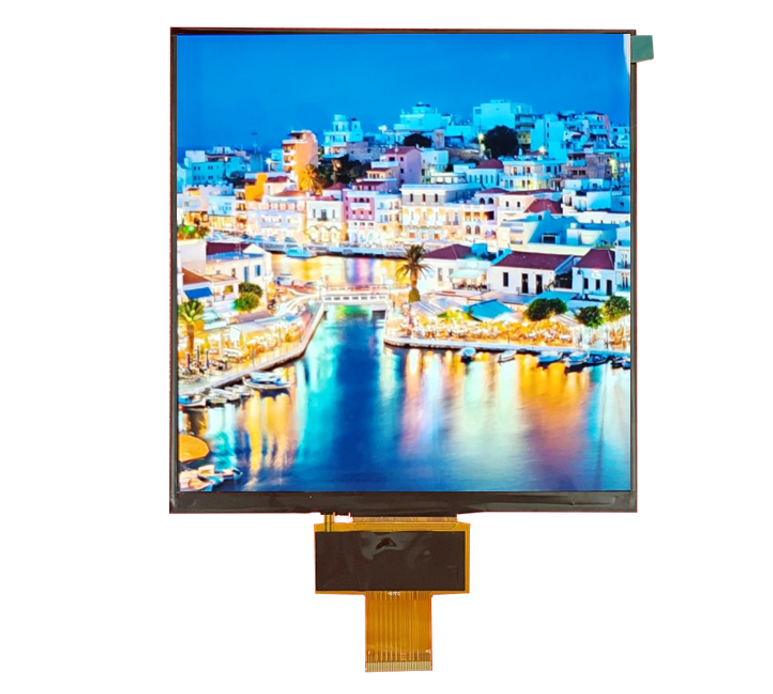
A shop window is one of the hardest places to put a screen: ambient illuminance is high, the light source moves through the day, the display is often behind additional glazing, and the enclosure is a greenhouse. Each display technology answers a different part of that problem, and the right choice usually depends on what the content is rather than on which technology is more novel.
Part of the Industrial LCD Displays guide — 40 articles on continuous duty, sealing and long service life outside the cabin.
Storefront light levels and what they do to contrast
Window light changes by an order of magnitude during the day.
A west-facing window can see several times the illuminance in the afternoon that it sees in the morning, and adding a pane of shop glazing introduces more reflections between the shopper’s eye and the screen. Both effects reduce contrast: the first by adding ambient light to the scene, the second by reflecting images of the street onto the glass. The practical specification is therefore a contrast requirement measured in the installation plane at the worst time of day, with the glazing in place.
Measuring with the glazing installed and the shop lighting on is the only way to compare candidate technologies honestly. CDTech’s notes on measuring sunlight readability in real ambient light describe the procedure.
Transparent LCD: contrast, backlight and practical limits
Transparency is bought with contrast.
A transparent display shows content by modulating light, and in a bright window there is plenty of light to modulate but the display’s own contrast ratio is limited by the liquid crystal’s ability to block, by the presence of the transparent backlight or edge lighting, and by the physical structure visible through the panel. The result is a display that looks striking in a controlled showroom and washed out in a bright window unless the content is designed with very high contrast and large simple shapes.
Transparent displays work best where the object behind them is part of the design – a product on a shelf – and the screen adds highlights or text rather than being the primary image. Where the content must be photographic or information-dense, a high-brightness bonded LCD is almost always the better answer.
Reflective and transflective options
Using ambient light instead of fighting it.
Reflective displays modulate ambient light and use no backlight at all, which makes them ideal in bright conditions and impossible to read in a dark shop window at night. Transflective displays combine a reflective mode with a backlight, giving usable performance across a wider range of conditions at the cost of colour and contrast compared with a transmissive panel. Both technologies favour simple, high-contrast content: text, icons and line art rather than photographs.
Where the content is essentially a message or a price, reflective technology can be extremely effective and very low power. Where it is a product video, it is the wrong tool. Reflective and low-power display options are documented by technology suppliers such as E Ink and by panel makers such as Sharp Devices Europe.
High-brightness LCD with optical bonding
The mainstream answer for window content.
A high-brightness TFT LCD with anti-glare treatment and optical bonding handles coloured, photographic content in a bright window better than either transparent or reflective technology. Bonding removes the internal reflective interfaces that reduce contrast; anti-glare treatment disperses reflections; and the brightness provides headroom against the ambient level. The trade is heat – which is the next problem – and power, which constrains where the screen can be installed.
The bonding process choices and their optical consequences are covered in CDTech’s comparison of bonded and air-gap displays and in the OCA versus OCR process comparison.
Thermal load of a high-brightness display in a window
Brightness and solar gain heat the same volume.
Every watt of backlight power becomes heat inside the enclosure, and a window display also receives solar gain through the glazing. In a sealed unit the internal temperature can rise far above the shop’s air temperature, reducing backlight life and, in the worst case, causing thermal shutdown. The mitigation hierarchy is: reduce peak brightness where the content allows, provide a conduction path from the display frame to a metal structure, use an air gap or ventilated cavity between the glazing and the display, and shade the rear of the enclosure from direct sun.
Verify with a temperature measurement at full brightness on the worst day, not with a datasheet ambient rating. Lifetime follows the measured internal temperature.
Colour shift and content design under high ambient light
Perceived colour changes when ambient light dominates.
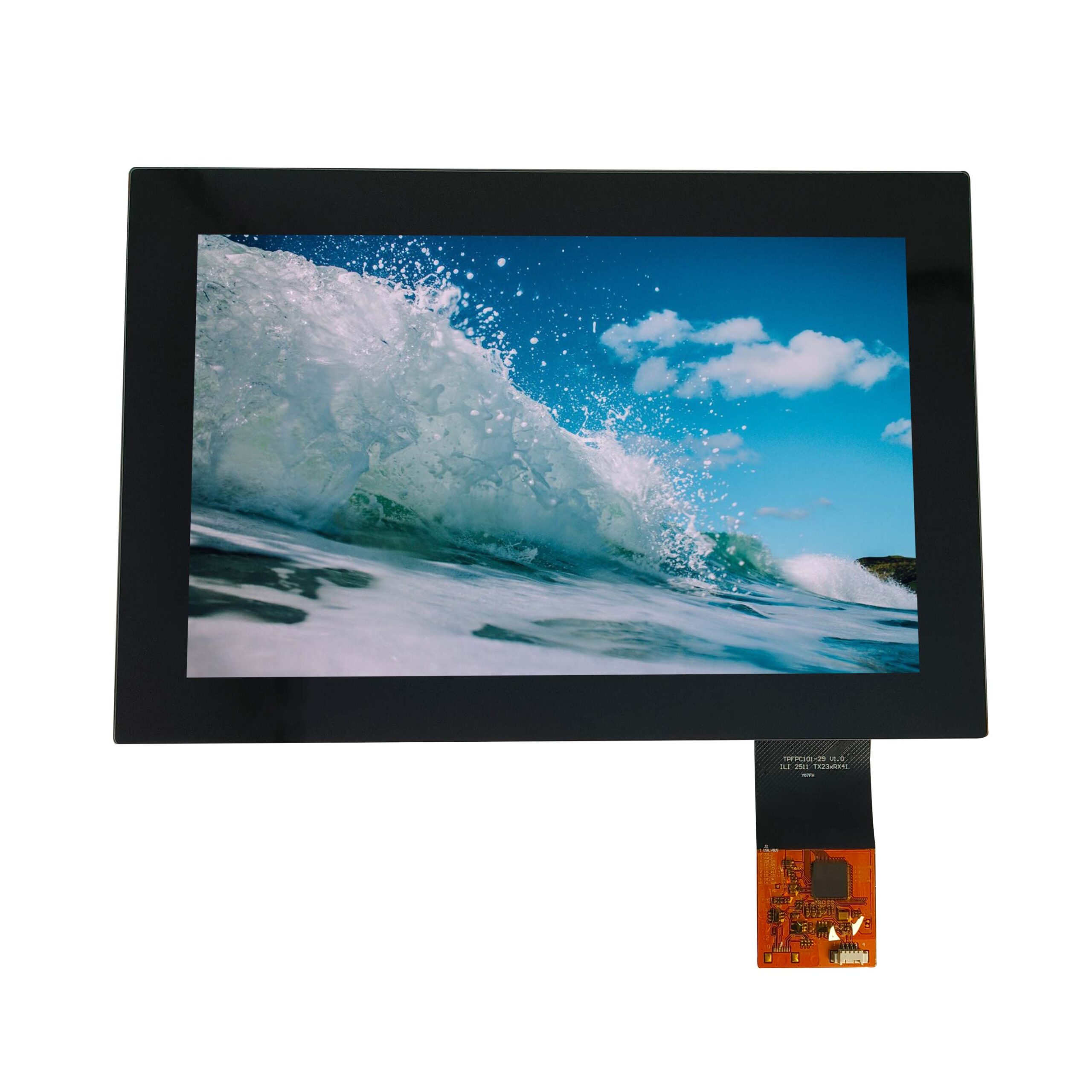
Under high ambient light the display’s own colour is diluted by reflected light, which reduces saturation and shifts apparent white point towards the ambient colour. Content designed for a showroom therefore looks flat in a window: thin coloured text disappears, dark backgrounds reflect like mirrors, and mid-tones lose separation. The design responses are high contrast, large type, saturated flat colours, and avoiding large dark areas that emphasise reflection.
Where colour accuracy matters for brand reasons, validate the rendering with the actual glazing and lighting rather than on a bench, and consider that the shopper’s perception is dominated by the window environment rather than by the panel’s specification.
Touch in a public street-facing environment
Street-facing touch is exposed, abused and often unnecessary.
Where a window display offers touch, it must survive weather, cleaning, vandalism and the dirt that accumulates on any street-facing surface. Capacitive touch panels can be specified for outdoor use with appropriate sealing and coating, but the maintenance burden is significant. Many window applications are better served by non-touch content that responds to sensors, a mobile link, or a nearby indoor touch point.
Where touch is required, specify the sealing method at the assembly level, the surface coating durability and the cleaning agents, in the same way as for an outdoor kiosk.
Power, cabling and building constraints
Windows are not designed for equipment.
Installing a display in a shop window usually means running power and data to a location chosen for architectural reasons, often with limited depth and no convenient containment. Power availability, cable routing and heat removal frequently constrain the brightness that can be used, and in listed or leased buildings the permitted modifications may be more limiting still. A practical specification includes the available power, the maximum enclosure depth and any restriction on fixing methods.
Low-power technologies such as reflective displays change this constraint substantially, which is one of their strongest commercial arguments in retrofit projects.
Cost comparison across approaches
The cheapest option depends on content, not on technology prestige.
| Approach | Best for | Main cost driver |
|---|---|---|
| High-brightness bonded LCD | Colour, photographic or video content in daylight | Panel cost, bonding, thermal solution, power |
| Transparent LCD | Object display with overlaid highlights | Panel cost, low yield, content design constraints |
| Reflective or e-paper | Text, price and simple graphics; low power | Panel cost per area and refresh limitations |
| High-brightness LCD with glazing gap and ventilation | Shops with existing window structure | Enclosure modification and thermal design |
Panel technology availability and pricing trends are reported by research firms such as TrendForce and LEDinside, and panel makers such as BOE document the formats they supply.
Decision framework by use case
Four questions settle most window projects.
- Is the content photographic or text-only? Photographic content points to high-brightness LCD.
- Is the object behind the screen part of the design? If not, transparency adds cost without benefit.
- Is power available at the window, and can heat be removed? If not, reflective technology may be the only practical route.
- Is the window exposed at night? Reflective displays need a lighting strategy after dark.
Where the answer is a high-brightness LCD, specify the optical stack and the thermal path together, and measure readability with the glazing in place. Where the answer is reflective, design the content for the technology’s strengths rather than adapting a photographic layout. Coating and haze measurements for the chosen front are made using methods such as ASTM D1003.
FAQ
Are transparent LCD displays practical for retail windows?
They are practical where the content is simple and the object behind the screen is part of the display, because transparency limits contrast in bright light. For photographic or information-dense content, a high-brightness bonded LCD produces a legible result at lower cost.
What display works in a bright shop window?
A high-brightness LCD with anti-glare treatment and optical bonding is the usual answer for daylight conditions, provided the heat can be managed. Where power or heat removal is constrained, a reflective display suits text and price content and uses almost no power.
How much heat does a high-brightness window display generate?
Nearly all the backlight power becomes heat inside the enclosure, and solar gain adds to it, so internal temperatures can far exceed the shop’s air temperature. Reduce peak brightness where content allows, provide a conduction path to a metal structure, and consider an air gap or ventilation between glazing and display.
Should a window display have touch?
Only where a specific interaction justifies the maintenance burden of a street-facing touch surface. Many window applications are better served by sensor-driven or mobile-linked content, or by a touch point inside the store, which simplifies sealing, cleaning and vandalism exposure.
Next step
Send the window orientation, glazing, ambient measurements, content type and available power to CDTech; the reply will compare the feasible stacks with the thermal and optical consequences of each.
Contact sales@cdtech-lcd.com or use the contact page; high-brightness and wide-temperature options are listed under industrial LCD displays.
Related articles
Solar Inverter and Combiner Box Displays: Readability in Direct SunlightIndustrial & Specialist Displays Passenger Information Displays for Buses and Trains: Standards, Readability and ReliabilityIndustrial & Specialist Displays
 Long Display Cables in Industrial Machines: Signal Integrity Without an Expensive RedesignIndustrial & Specialist Displays
 Rugged Displays for Harsh Environments: IP, IK and Chemical Resistance in PracticeIndustrial & Specialist Displays