Point-of-Care and Diagnostic Device Displays: Small Screens With Big Requirements
Point-of-care and diagnostic device displays: character height at the bench, battery-friendly panel choices, gloved touch, chemical exposure and traceability.
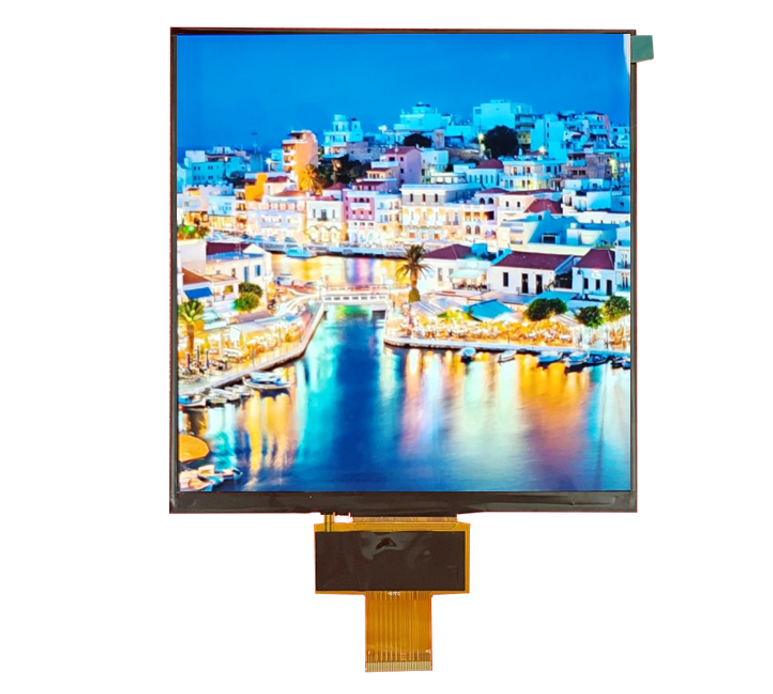
A point-of-care device display is judged by one question: did the clinician read the value correctly? Everything else – size, colour, brightness – is in service of that. The design constraints that follow from it are unusual: character height beats resolution, power beats brightness in a handheld, and traceability matters as much as optics when the display is part of a device that produces a clinical result.
Part of the Medical & Clinical Displays guide — 19 articles on DICOM, IEC 60601-1, hygiene and patient monitoring.
Reading a value correctly beats reading it prettily
The display is a measurement readout, not a consumer interface.
On a diagnostic device the primary display function is to present a number, a unit and a status unambiguously. That hierarchy determines the layout and, in turn, the panel requirement: a large numeric field with generous spacing, high contrast against the background, and a minimum of competing visual elements. Rich colour interfaces, gradients and animations actively reduce readability under time pressure and are difficult to justify where the value is used clinically.
A useful design exercise is to test the interface in the location and lighting where it is used, with the user’s actual hands and attention, before the panel size is fixed. Most readout errors come from layout and contrast, not from resolution.
Size, resolution and character height for lab use
Character height follows the reading distance, not the device size.
Bench instruments are read at 400 mm to 700 mm, handheld devices at 250 mm to 400 mm. Since character height in millimetres is what determines legibility, a smaller handheld panel can be perfectly readable if its layout uses the available pixels for fewer, larger characters. Conversely, a larger handheld panel filled with dense text is harder to read than a small one with a simple layout.
Specify the character height in millimetres for each information class and check it against the panel’s physical pixel size, which is the number that actually matters. For a 5-inch class display, the physical size of a pixel sets the practical minimum line width and the smallest legible character.
Power consumption and battery life
The backlight is the largest display load and the first thing to optimise.
On a battery-powered diagnostic device, display consumption competes directly with measurement time or number of tests per charge. The levers, in order of effect, are lower brightness, a shorter timeout to dim or blank, an efficient backlight driver, and a display technology that needs less light for the same perceived contrast. A transflective or reflective display can remove the backlight requirement in bright environments, at the cost of colour and contrast in dim conditions.
Specify consumption at the brightness levels actually used, and specify the dimming behaviour with its time constants, because the average consumption is determined by the profile rather than the peak.
Transflective, memory-LCD and low-power alternatives
Reflective technologies remain a serious option for handhelds.
Transflective TFTs use ambient light to supplement or replace the backlight, which suits devices used in daylight with occasional indoor use. Memory LCDs hold an image without refresh, drawing almost nothing while static, which suits readouts that change occasionally. Both give up colour richness or refresh performance compared with a transmissive TFT, and both can be the difference between one battery charge per shift and three.
The selection trade-offs for low-power display classes are covered in CDTech’s notes on e-paper and reflective displays for battery-powered devices, which apply directly to handheld diagnostics.
Touch for gloved lab technicians
Nitrile gloves are the common case, and they work.
Laboratory and clinical gloves are thin enough that a properly tuned capacitive panel works reliably, provided the cover glass is not excessive in thickness. The complications arrive with double-gloving, with gloves wet from reagents, and with devices that must be operated while holding a sample. Where any of those apply, the design responses are larger targets, a physical control for the most-used functions, or a resistive panel.
Validate with the gloves in use at the site, and check the response with a wet glove as well as a dry one. CDTech’s notes on multi-touch PCAP sensing describe what multi-touch adds and where single-point sensing is sufficient.
Sunlight readability for field diagnostics
Field use is a different optical problem from bench use.
Devices used outdoors, in mobile clinics or at the point of sampling need legibility in direct sun, which is a contrast problem rather than a brightness problem. Anti-glare treatment, optical bonding and, where the content allows, a high-contrast monochrome layout do more than adding backlight power, which drains the battery exactly when the device is away from power. Where a transflective display is chosen, sunlight becomes an advantage rather than a threat.
The measurement approach – ambient light at the screen, luminance at white and dark fields, and a photograph from the viewing position – is described in CDTech’s sunlight readability notes.
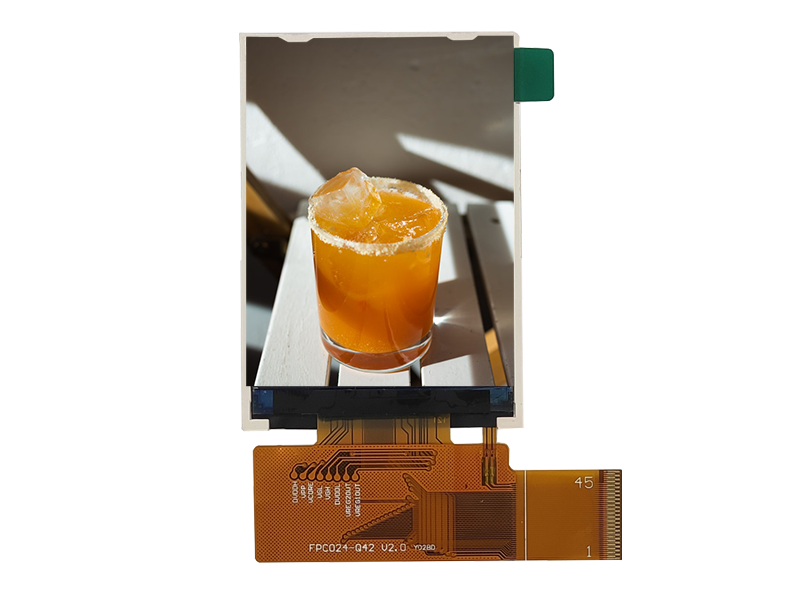
Chemical exposure in a laboratory bench environment
Bench surfaces see solvents that hospital displays never meet.
Reagents, alcohols, acids and bleach are all common, and spills happen. The vulnerable materials are the print, the adhesive at the glass edge and any coating on the surface. Where a device sits on a bench, a chemically strengthened glass front with a minimal printed area and a bonded, sealed edge is more durable than a film-covered display, which can lift at the edge after a spill.
Request compatibility data for the reagents in use, and test the production front with repeated exposure rather than a single wipe.
Small-volume custom mechanical integration
Diagnostic devices rarely fit a standard enclosure.
Volumes for a specific instrument are often low hundreds to low thousands per year, which makes fully custom panels difficult to justify but makes custom cover glass, cable and bracket practical. The typical solution is a standard small-format module with a custom cover glass, a custom FPC length and a bracket that adapts it to the device housing. Keeping the panel standard protects supply over the device’s service life.
Custom sizing constraints at these volumes, including where custom panels do and do not make sense, are covered in CDTech’s notes on custom LCD panel sizes.
Regulatory evidence for a display used in a diagnostic readout
The display contributes evidence, not a certification.
Where the display presents a measured result, its behaviour is part of the device’s performance claims: luminance uniformity, stability over time, and the behaviour of the interface under fault conditions. The evidence a manufacturer needs is a component specification with defined tolerances, stability data over the operating temperature range and a statement of how luminance and colour are maintained over the product’s life, plus a defined fail state.
Device-level compliance remains with the manufacturer under frameworks such as IEC 60601-1 and the EU medical devices framework, with supplier quality expectations described through bodies such as AAMI.
Sourcing small quantities without losing traceability
Low volume is not a reason to accept weak records.
- Lot traceability from the finished device back to panel, backlight and bonding material.
- Certificate of conformity per shipment with the specification revision referenced.
- Notification of any material or process change, with a defined response window.
- A stated minimum order quantity and a plan for service spares over the device life.
- Incoming inspection data, or a documented agreement on what the buyer will inspect.
Small-volume programmes are often served by distributors rather than manufacturers, which changes what is possible: a distributor can supply a standard module quickly but usually cannot control materials or issue change notifications on the panel itself. Where traceability matters, purchase from a source that controls the module build.
FAQ
What display size suits a handheld medical device?
Handheld devices commonly use panels between about 2.4 inches and 5 inches, but the useful specification is the character height at the reading distance, not the diagonal. A small panel with few, large characters is more readable than a larger one with dense text.
How do I extend battery life on a point-of-care device?
Reduce brightness, shorten the time to dim or blank, use an efficient backlight driver and consider a transflective or memory LCD where the content allows. The average consumption is set by the brightness profile over a shift, so specify consumption at the levels actually used rather than at maximum.
Can a bench instrument display survive reagent spills?
With a strengthened glass front, minimal printed area and a bonded edge seal, yes. Film-based fronts lift at the edges after spills. Request chemical compatibility data for the reagents in use and test the production front with repeated exposure rather than a single wipe.
What traceability should a buyer expect at low volume?
The same records as a high-volume programme, in a smaller package: lot traceability to panel, backlight and bonding material, a certificate of conformity per shipment with the specification revision, and a change notification commitment. Distributors usually cannot provide these for the panel itself.
Next step
Send the reading distance, content layout, power budget and expected reagent exposure to CDTech; the reply will identify the panel class, bonding, front surface and power profile that fit the device.
Contact sales@cdtech-lcd.com or use the contact page.
Related articles
 Dental, Ophthalmic and Aesthetic Device Displays: Colour and Detail Under MagnificationMedical & Clinical Displays
 Medical Touch Displays: Gloves, Disinfectants and the Physics of BothMedical & Clinical DisplaysSurgical and Operating Room Displays: Image Quality, Latency and HygieneMedical & Clinical Displays
 Patient Monitor Displays: Specs, Interfaces and Certification RequirementsMedical & Clinical Displays