Surgical and Operating Room Displays: Image Quality, Latency and Hygiene
Surgical and OR displays: colour gamut and white point for tissue, latency budgets, DICOM calibration, sterile-field touch and fail-safe behaviour.
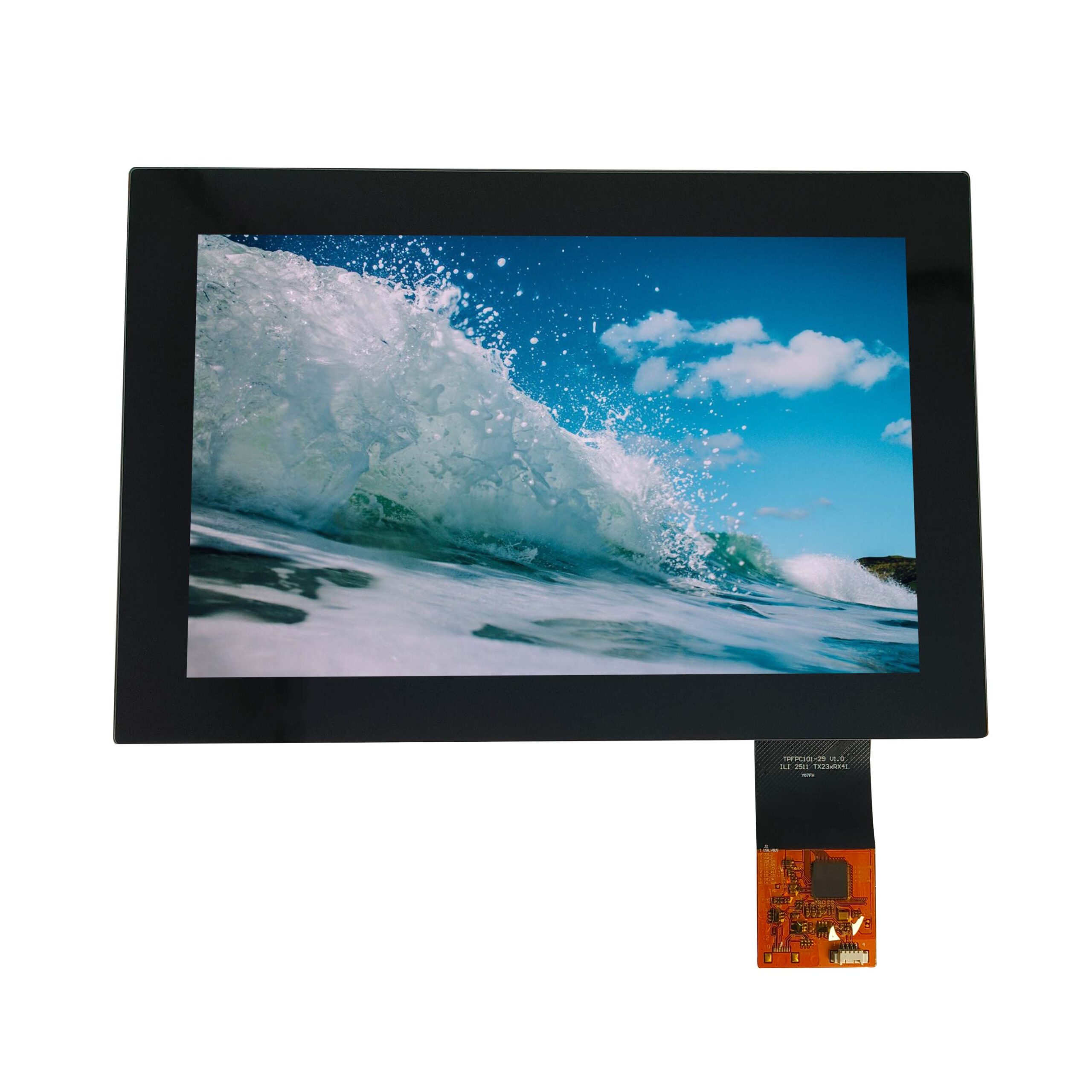
An operating room display is evaluated during a live procedure, which changes the priorities: latency and image stability matter more than resolution, colour consistency matters more than maximum gamut, and the ability to wipe the surface between cases matters as much as any optical parameter. The specification that emerges is unusually specific, and it is cheapest to write before clinical evaluation begins.
Part of the Medical & Clinical Displays guide — 19 articles on DICOM, IEC 60601-1, hygiene and patient monitoring.
What surgeons need from an image and why it is different
Continuous, stable image with no surprises.
During a procedure the surgeon watches a monitor while working with both hands, so the display must present a stable image with no flicker, no sudden brightness change and no intermittent dropout. Any visual artefact competes with the surgical task. That makes image stability, latency consistency and luminance stability more important than peak resolution or the widest colour gamut, because the surgeon is not evaluating the image – the surgeon is using it to act.
The practical consequence is that the specification should prioritise parameters that remain stable over an hour of continuous use, including warm-up behaviour, rather than performance measured after a fixed settle time.
Colour gamut, white point and tissue differentiation
The display must reproduce what the camera and scope produce.
In endoscopy and microscopy the clinical value lies in distinguishing subtle differences in tissue appearance: vascularity, ischaemia, and the boundary between tissue types. A wider gamut helps only if the source, the processing chain and the display are consistent, since a gamut mismatch can make a display that satisfies a specification still render tissue inaccurately. Wide-gamut TFT technology and its use in endoscope imaging are covered in CDTech’s notes on wide-colour-gamut displays for endoscopy.
Specify a white point and a colour-difference tolerance against the source, and validate with clinical images rather than test patterns alone. Where multiple displays are used in one room, colour consistency between them matters as much as absolute accuracy.
Latency from camera to photons
Every millisecond of delay is a millisecond of hand-eye offset.
Latency accumulates through sensor exposure, image processing, transmission, display timing and pixel response. The requirement is a total budget, and the display’s contribution is typically small but measurable: pixel response time plus any framing or scaling delay. A display that adds a frame of buffering in an integrated scaler is more disruptive than one that adds response time in the panel.
Allocate the budget explicitly and measure end to end with a moving target rather than with a static pattern. The interface choices that carry video with minimal delay, including serialiser links for long runs, are covered in CDTech’s material on long-distance display links.
Brightness, contrast and ambient OR lighting
OR lighting is bright, directional and moves.
Surgical lights are intense and can be aimed directly at a screen’s surrounding surfaces, producing reflections that reduce contrast. Anti-glare treatment and optical bonding reduce the visible reflection, and adequate luminance headroom keeps the image legible when the room is bright. The opposite case is a darkened room during minimally invasive procedures, where excessive brightness is uncomfortable and lowers contrast perception.
The specification should include both a bright-room legibility requirement and a low-luminance floor with a flicker limit. CDTech’s notes on high-brightness medical displays for surgery and imaging describe how brightness, contrast and coating interact in this environment.
DICOM calibration: when it applies and when it does not
DICOM calibration applies to diagnostic interpretation, not to every OR screen.
The DICOM greyscale display function exists so that images presented for diagnostic interpretation have a consistent relationship between stored pixel values and displayed luminance. Where a display is used for diagnosis, that calibration is part of the device’s compliance story. In the operating room, most screens show live video from a camera rather than stored images for interpretation, so the relevant requirement is often consistency and stability rather than a DICOM curve – but where the same monitor is used for diagnostic review, the calibration requirement returns.
Decide the intended clinical use before specifying calibration, and document the decision. The DICOM standard itself is published by NEMA and available through the DICOM standard pages.
Sterilisation, draping and wipe-down compatibility
The front surface is cleaned between every case.
OR surfaces are wiped with aggressive agents, and screens that are covered by a sterile drape must still be readable through it – which changes the effective contrast, haze and touch behaviour. Where the display is not draped, its front must withstand repeated wiping with the agents used in that theatre, and its print, adhesive and coating must survive. Where the display or its housing enters the sterile field, additional device-level requirements apply.
Request compatibility data for the agents actually used and test repeated cycles on the production front assembly. The materials that fail are rarely the glass.
Touch in a sterile field: gloved, covered and indirect input
Direct touch is usually the wrong interaction.
Surgeons touch screens with sterile gloves, sometimes through a drape, or not at all – often a circulating nurse operates the interface. That reality favours indirect input: a control panel outside the sterile field, voice control, or a foot switch. Where the screen itself is touched, capacitive touch with a tuned profile for the specific glove and drape combination is workable, and multi-touch adds little beyond gestures such as zoom.
Validate the specific combinations used in the theatre: glove material, drape type and presence of fluid on the surface. CDTech’s explainer on multi-touch PCAP sets out what multi-touch sensing adds in practice.
Mounting arms, cable routing and weight limits
The arm determines the display’s weight and cable budget.
OR displays are mounted on articulated arms that are positioned continually during a procedure, so weight, centre of gravity and cable routing are part of the display specification. A heavier display with a poorly routed cable drains the arm’s usability and stresses the cable at every movement. Ceiling-mounted arms add a requirement for cable management through the arm and a defined bend radius at both ends.
Specify the display’s mass, the mounting interface and the cable exit direction, and confirm that the arm’s load limit is satisfied with the intended cover glass thickness. A heavier bonded front is structurally better but adds mass exactly where the arm is most sensitive.
Redundancy and fail-safe behaviour during a procedure
A procedure will not wait for a reboot.
The behaviour that matters during a failure is defined behaviour: what the screen shows on loss of signal, how long a link retrain takes, and whether the backlight fails bright or dark. For critical visualisation, teams either run a second display fed from the same source or specify a fast recovery path. The display’s contribution is a documented state machine, including time to recover after a power dip and behaviour when the video source restarts.
Ask for that state machine in writing. It is a small document that is difficult to reconstruct after the fact and very useful during a clinical evaluation.
Specifying an OR display before clinical evaluation
Write the requirements the clinicians will actually judge.
| Requirement | Specify | Validate by |
|---|---|---|
| Image stability | Flicker-free across the dimming range; stable luminance over an hour | Continuous-run measurement |
| Colour | White point and colour tolerance against the source; consistency between displays | Clinical images plus measurement |
| Latency | Total budget camera-to-photon, with the display’s share stated | End-to-end measurement with motion |
| Bright room | Contrast requirement at the highest ambient level | Measurement in the theatre with lights on |
| Dark room | Luminance floor and flicker limit | Measurement in the darkened theatre |
| Cleanability | Named agents, repeated-cycle compatibility, drape compatibility | Repeated wipe test on production fronts |
| Fail-safe | Documented behaviour on signal loss and recovery time | Fault injection test |
Device-level compliance remains with the manufacturer: the applicable framework for medical electrical equipment is published as IEC 60601-1, the European route appears on the Commission’s medical devices pages, and imaging display practice references material maintained through bodies such as AAMI. Particular device categories add their own requirements, as illustrated by publications such as IEC 60601-2-10.
FAQ
What makes a display suitable for surgery?
Stable, low-latency imaging, consistent colour, sufficient brightness to survive surgical lighting, a front surface that can be cleaned between cases and predictable behaviour if the signal is lost. Resolution is secondary to stability and latency in a live procedure.
Do operating room displays need DICOM calibration?
Only where the display is used for diagnostic interpretation of stored images. Most OR screens show live video, where consistency and stability matter more than a greyscale display function. Where one monitor serves both purposes, the diagnostic requirement governs, and that decision should be documented.
Can a surgical display be cleaned with aggressive agents?
Yes, if the front assembly materials – glass, print, adhesive and coating – are compatible with the agents and the contact time used in that theatre. Compatibility data and a repeated-cycle test on production assemblies are the evidence to request, since the glass is rarely the part that fails.
Should surgical staff touch the display directly?
Usually not. Sterile-field workflow typically has a circulating nurse operating the interface, and where direct touch is required, gloves, drapes and fluids all degrade touch reliability. Indirect input such as a remote panel, voice or foot control is generally the safer and more practical design.
Next step
Send the clinical use case, image source, latency budget and cleaning agents to CDTech; the response will state achievable colour, brightness, latency contribution and front-surface options for the display assembly.
Contact sales@cdtech-lcd.com or use the contact page; quality-system scope is published on the certifications page.
Related articles
 Dental, Ophthalmic and Aesthetic Device Displays: Colour and Detail Under MagnificationMedical & Clinical Displays
 Point-of-Care and Diagnostic Device Displays: Small Screens With Big RequirementsMedical & Clinical DisplaysMedical Touch Displays: Gloves, Disinfectants and the Physics of BothMedical & Clinical Displays
 Patient Monitor Displays: Specs, Interfaces and Certification RequirementsMedical & Clinical Displays