How Viewing-Angle Specifications Are Measured and Why They Mislead
"Viewing angle 178 degrees" is one of the least meaningful numbers in a display specification. The figure depends on a threshold that is rarely stated, on whether it describes contrast or colour, and on…
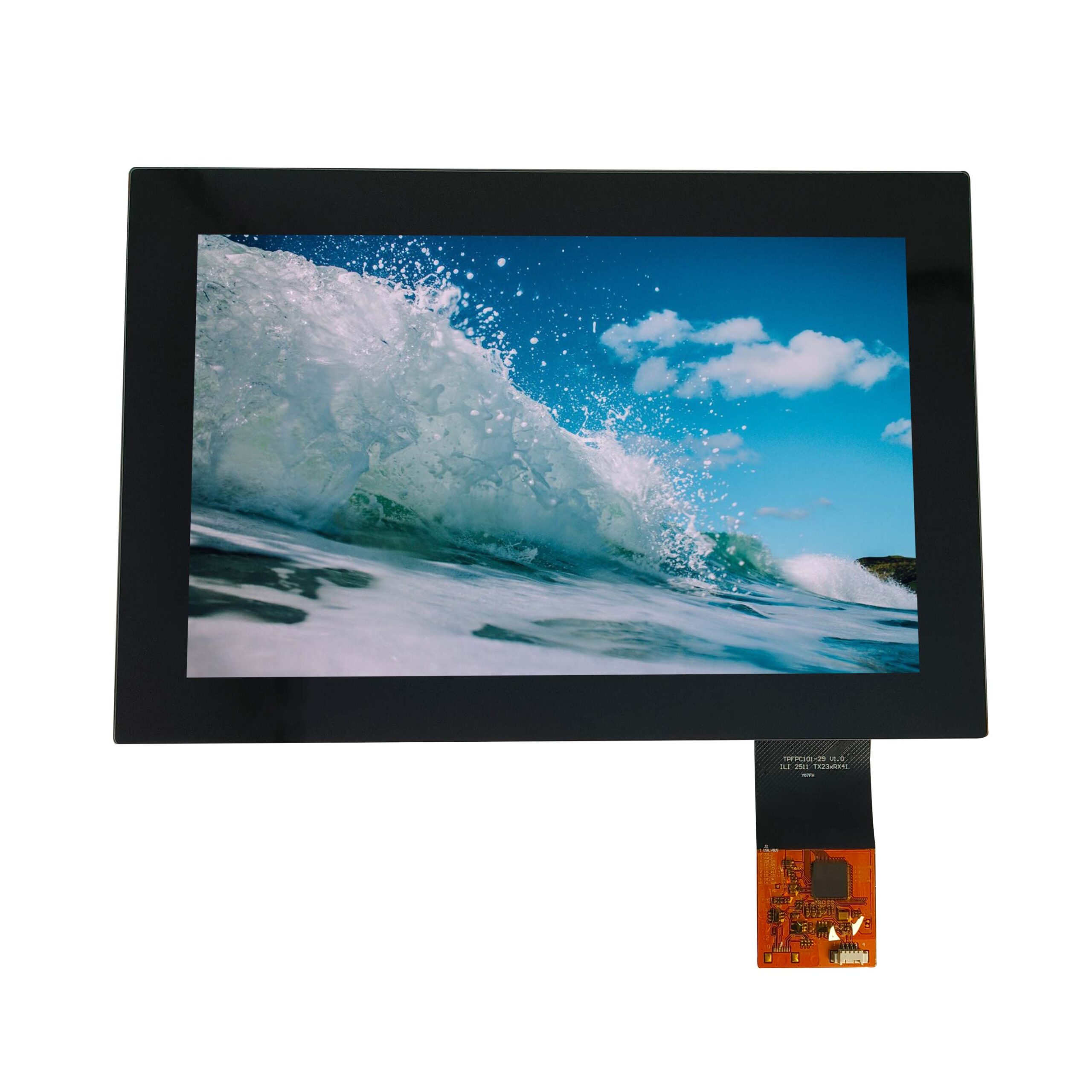
“Viewing angle 178 degrees” is one of the least meaningful numbers in a display specification. The figure depends on a threshold that is rarely stated, on whether it describes contrast or colour, and on the direction being measured. Two suppliers can both state 178 degrees and deliver visibly different products.
Part of the Optical, Backlight & Panel Technology guide — 31 articles on bonding, cover glass, brightness and panel choice.
This article explains where the numbers come from, what they hide, and how to write a requirement that can be measured rather than argued about.
Why viewing-angle numbers disagree between suppliers
Three variables account for most of the disagreement: the threshold at which the angle is declared, the parameter being measured, and the direction of measurement.
A statement that the viewing angle is 178 degrees usually means the contrast ratio remains above some minimum across that range. If one supplier uses 10:1 and another uses 5:1 or 100:1, the resulting angles differ substantially even when the panels behave identically at the centre.
The second variable is what is being tracked. Contrast falls with angle; colour shifts separately. A panel can hold contrast well while its white point drifts, or the reverse. A single number cannot describe both.
The third is direction. Horizontal and vertical angles are not symmetrical on most panels, and diagonal behaviour is usually worse than either. A specification that quotes one figure for “viewing angle” is describing an average or a best case without saying which.
The contrast threshold behind typical claims
It is worth separating two questions that a single viewing-angle figure merges. The first is whether the screen can still be read; the second is whether it still looks correct. A control room operator reading a large numeric value tolerates a substantial contrast loss, while an operator comparing two colours at an angle does not. Where the interface mixes both – a colour-coded status beside a numeric value – the stricter of the two conditions sets the real requirement.
Because contrast falls continuously with angle, the threshold choice determines the number. Moving from a 100:1 threshold to a 10:1 threshold can add tens of degrees to the same panel’s specification, which is why the threshold matters more than the angle.
For an application, the useful question is not the angle at which contrast falls to an arbitrary value but the angle at which the operator can no longer read the content. That depends on the content: large text survives low contrast; thin data lines and status icons do not. Two products using the same panel can therefore have genuinely different usable angles.
Colour shift and grey-level inversion
Colour shift is the change in chromaticity as the viewing angle increases. It is usually most visible on white and skin-tone content and least visible on saturated primaries. In an industrial interface that uses colour to convey status, a shift that changes red towards orange can undermine the coding.
Grey-level inversion is the other behaviour worth checking. At large angles some panel types show light greys becoming darker than mid-greys, which makes charts and layered graphics confusing rather than merely dimmer. It happens before contrast becomes unusable, so a contrast-based specification will not capture it.
Horizontal and vertical asymmetry
Most panels are wider horizontally than vertically, and the viewing cone follows the pixel layout. That is why a display that reads well for an operator moving left and right can degrade quickly when the same operator stands up.
Where the product’s mounting position is fixed – a panel at eye height, viewed from a chair – the vertical angle that matters may be small and well controlled, while the horizontal angle is large. Where operators approach from several positions, the horizontal case dominates. Specifying one angle for both wastes margin in one direction and leaves a gap in the other.
Measurement setups and instruments
Viewing-angle measurement needs a way to hold the display fixed and move either the instrument or the display through a defined arc. Three setups are common: a goniometer that rotates the panel, a moving arm that carries the instrument, and a mechanical fixture that repositions the panel at fixed angles.
Two conditions determine whether results are comparable. The measurement distance must be consistent, because the instrument’s field of view changes with distance; and the panel must be at thermal equilibrium, because brightness drift during a long angular sweep appears as an angular effect.

Recording the setup with the result matters as much as the numbers. A result obtained on a rotating stage and one obtained by moving the instrument are not directly comparable, because the panel-to-instrument geometry differs subtly in each case.
How bonding and cover glass change the result
The panel is rarely the last optical element. Cover glass, surface treatment and the bonding layer all sit between the viewer and the liquid crystal, and each changes the off-axis result.
Optical bonding usually improves off-axis contrast by removing internal reflections that otherwise add a low-level haze at large angles. Surface treatment changes specular reflections rather than contrast, but it changes what the viewer perceives strongly enough to matter. Where a requirement is written against a bare panel and the product ships with bonded glass, the delivered behaviour may be better – or, if the bonding introduces particles or uneven adhesion, worse at specific angles.
For the construction side of that question, the comparison of bonded and air-gap assemblies covers the trade-offs; this article is concerned with measuring the result.
Turning a claim into an acceptance test
Sampling matters as well as geometry. Viewing behaviour is usually worse at the panel’s corners than at its centre, because the angle to a corner differs from the angle to the middle even when the viewer has not moved. If the acceptance test measures only the centre, a panel with poor corner performance will pass; measuring at the centre and at one corner, at the same nominal angle, catches it without a full angular sweep.
The path from a claim to a test is short, provided three things are stated: the threshold, the parameter and the directions.
| Claim | What to ask for |
|---|---|
| “Wide viewing angle” | Contrast ratio at 45¡ã horizontal and vertical, measured on a defined pattern |
| “178 degrees” | The contrast threshold used, and whether it applies horizontally, vertically or both |
| “Good colour at angle” | Chromaticity shift at the angles the operator will use |
| “Consistent across the panel” | Whether the measurement was taken at the centre or at several positions |
Once the answers are in writing, the acceptance test is a measurement rather than an opinion, and the same test can be reused for a second supplier or a later batch.
Writing a viewing-angle requirement that means something
A usable requirement is written from the application rather than from the panel’s marketing. Start with where the operator’s eye can be, convert that into horizontal and vertical angles from the panel normal, and then state the minimum acceptable contrast at those angles for the content the product displays.
Add a colour condition if colour carries meaning, and a grey-level condition if the interface uses layered graphics. Then state the measurement conditions: distance, pattern, warm-up and whether the sample is a bare panel or the finished assembly.
Finally, decide what happens at the extremes. Most applications do not need uniform performance across the whole cone; they need adequate performance where people actually stand. Writing that into the requirement makes the specification cheaper to meet and easier to verify.
Decoding checklist
| Question | Why it matters |
|---|---|
| What threshold defines the angle? | Determines the number more than the panel does |
| Is it contrast, colour or both? | They fail at different angles |
| Horizontal, vertical or diagonal? | Panels are not symmetrical |
| Measured on a bare panel or an assembly? | Cover glass and bonding change the result |
| At thermal equilibrium? | Brightness drift appears as an angular effect |
| At what positions across the panel? | Centre performance differs from edge performance |
If two suppliers are quoting very different angles for what should be similar panels, send us both specifications – the difference is usually the threshold rather than the technology. The technology comparison itself is covered in IPS versus TN panels.
Frequently asked questions
Is a larger viewing angle always better?
Not necessarily. A wider cone usually costs something else – contrast, response or price. If the operator’s position is fixed, a narrower but better-performing panel may be the right choice.
Why do two suppliers quote different angles for the same panel type?
Usually because the threshold, the measured parameter or the direction differs. Ask for the conditions behind the number.
Should the viewing angle be measured on the finished product?
Where cover glass or bonding is part of the design, the finished assembly is the honest measurement. A bare-panel figure describes the panel rather than the product.
Related articles
Active Versus Passive Matrix DisplaysOptical, Backlight & Panel Technology Optical Bonding for Outdoor Displays: UV, Thermal Cycling and Edge DelaminationOptical, Backlight & Panel Technology
 Backlight Driving and Dimming: PWM, DC and Hybrid Approaches ComparedOptical, Backlight & Panel TechnologyBacklight Lifetime and Lumen Maintenance: Predicting Real Service LifeOptical, Backlight & Panel Technology