How to Read an LCD Datasheet: Key Parameters Decoded
How to Read an LCD Datasheet: Key Parameters Decoded An LCD datasheet is the contract between the supplier and your design: it states what the panel can do, what it needs, and where its…
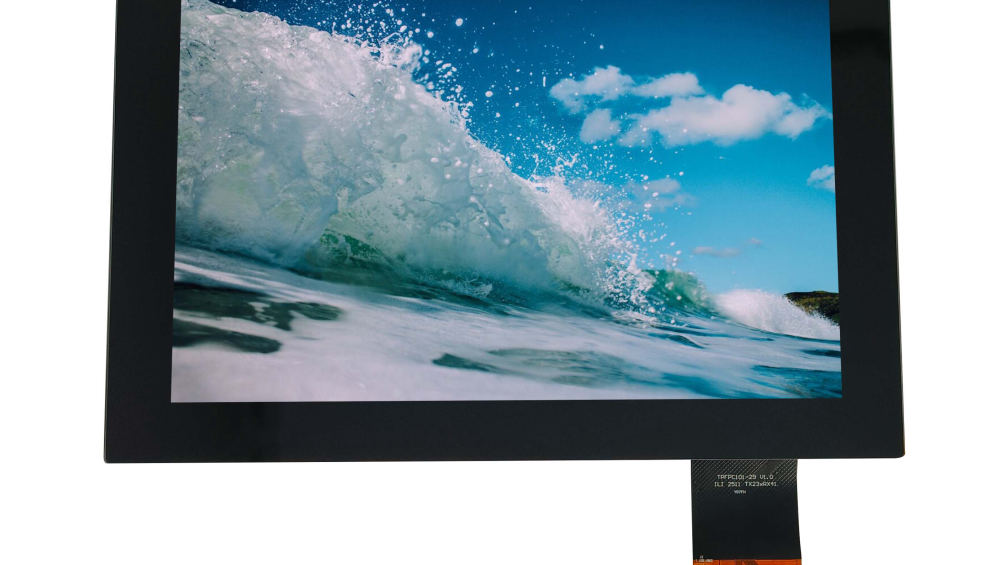
An LCD datasheet is the contract between the supplier and your design: it states what the panel can do, what it needs, and where its limits are. Reading it correctly prevents the two classic mistakes—specifying a panel beyond its ratings, or rejecting a good panel because a parameter was misread. This guide walks the datasheet in order, from anatomy through optical, electrical, mechanical, and absolute-maximum sections, and flags the red flags that signal a weak datasheet.
Part of the Custom Displays, Sourcing & Manufacturing guide — 81 articles on tooling, sampling, MOQ and supply-chain risk.
LCD Datasheet Anatomy: Sections You Must Understand
A typical TFT datasheet contains a fixed set of sections: the general description and model identity, mechanical and optical specifications, electrical characteristics, interface and timing, absolute maximum ratings, and handling and storage notes. The ordering varies, but the discipline does not—read the limits section before the typical values, because typicals describe the sample while maximums bound the design. Confirm the model number and revision match the panel you are quoting, and check the document date so you are not designing against an obsolete sheet.
Key Optical Parameters to Check in an LCD Datasheet
Optical parameters are the panel’s performance promises, and each needs its condition:
- Brightness — luminance at a defined backlight current, in nits; check the condition, because the number falls as the backlight is derated.
- Contrast ratio — measured under defined viewing geometry; useful for comparison but not a guarantee of real-world readability.
- Viewing angle — the angles at which contrast stays above a stated limit; check the criterion, because “wide viewing angle” claims vary in how they are measured.
- Color gamut and response time — gamut against a reference space, and response with the transition defined.
Optical values without conditions are marketing; the datasheet should state the measurement setup.
How to Read LCD Electrical Interface and Power Requirements
The electrical section defines supply voltages and currents, the interface signals, and the timing the host must provide. Check the logic supply range and the backlight drive (voltage or current) with their limits, and confirm the interface type and pinout match your host. Timing parameters—pixel clock, blanking, and sync—define how the panel is driven; their math and debugging have a dedicated guide. The electrical section is where host-panel mismatches are caught before hardware exists.
How to Read LCD Mechanical Drawings and Dimensional Tolerances
The mechanical drawing shows the outline, active-area position, mounting holes, FPC exit, and connector location—with tolerances. Design against the tolerance extremes, not the nominal center: the display that arrives can sit anywhere inside the tolerance band, and the enclosure must accept all of it. Confirm the active-area position relative to the mounting reference, because a small offset that fits the drawing can misalign the image in the bezel.
How to Check Absolute Maximum Ratings in an LCD Datasheet
Absolute maximum ratings are the lines you must never design to exceed: supply voltages, input levels, storage and operating temperatures, and any current limits. Exceeding an absolute maximum—even briefly—can damage the panel or void its reliability. Operating at the maximum continuously is also a risk, because maximums are survival limits, not operating recommendations. The design should hold margin below every absolute maximum across tolerance and temperature.
Red Flags to Look For When Reviewing an LCD Datasheet
- Missing conditions on optical values.
- No absolute maximum ratings or vague “do not exceed” language.
- Mechanical drawing without tolerances or active-area reference.
- Interface and timing tables that omit ranges.
- A document date or revision that does not match the sample.
Weak datasheets predict weak qualification: if the document cannot define the panel, the supplier’s testing probably cannot either. Ask for the complete sheet before quoting.
Frequently Asked Questions
How do I read an LCD datasheet?
Read it in order—identity, mechanical, optical, electrical, timing, and absolute maximums—checking each value with its condition and designing inside the tolerance and limit bands.
What are the key optical parameters in a datasheet?
Brightness with its drive condition, contrast ratio with viewing geometry, viewing angle with its criterion, and color gamut against a reference space.
How do I read timing and PCLK?
Find the pixel clock range, horizontal and vertical totals, blanking, and sync polarity in the timing table, then confirm the host can generate timing inside those ranges.
What red flags should I look for?
Missing conditions, absent absolute maximums, drawings without tolerances, timing without ranges, and a datasheet revision that does not match the sample.
If you are evaluating a panel datasheet, check the limits and conditions before comparing typicals. CDTech provides complete display documentation across the custom LCD range—contact us with the panel you are reviewing.
Related articles
 Touch Screen Grounding: Debug Floating and Earth-Referenced Installations SeparatelyCustom Displays, Sourcing & ManufacturingCapacitive Touch Glove Thickness: Validate Material and Fit Before Setting SensitivityCustom Displays, Sourcing & ManufacturingCapacitive Touch Water Rejection: Distinguish Droplets, Films and Flowing WaterCustom Displays, Sourcing & ManufacturingCapacitive Touch Charger Noise: Correlate Raw Data with Power-Supply ConditionsCustom Displays, Sourcing & Manufacturing